
Improve lcp in wordpress sites effectively by mastering website speed and performance. When your web pages take too long to load, visitors will leave before seeing your content, which destroys your conversions. One of the most critical Core Web Vitals metrics to track is Largest Contentful Paint (LCP). In this complete guide, we will walk you through easy methods, tools, and best practices to speed up your loading times effortlessly.Improve lcp in wordpress metrics instantly to deliver an exceptional user experience and prevent visitors from bouncing. Fast loading speeds are crucial for boosting your search engine rankings and overall site performance.
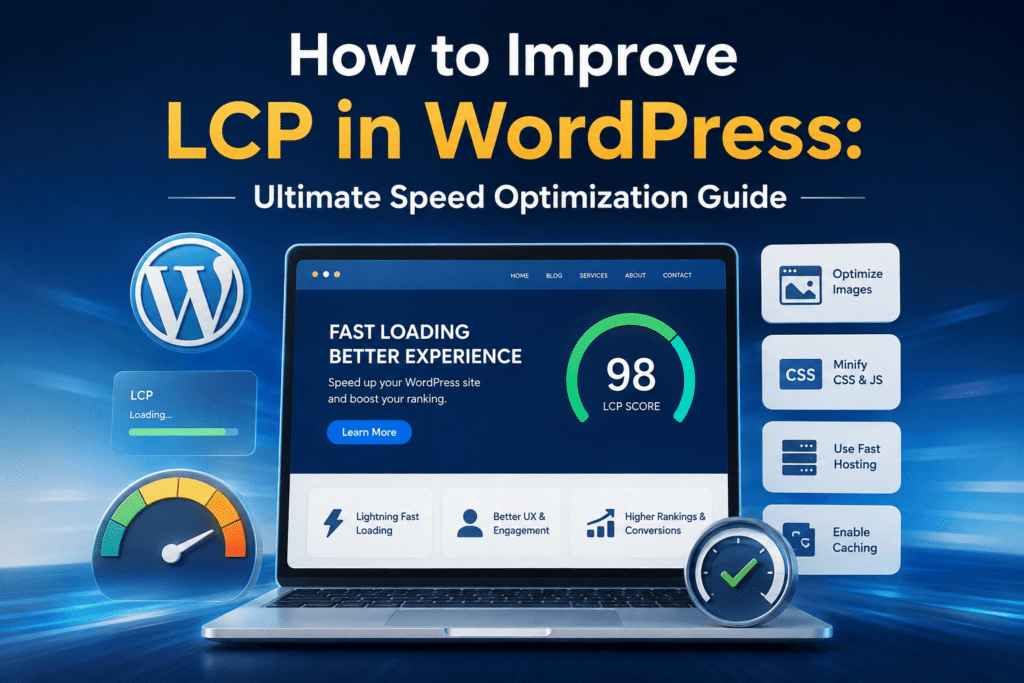
Understanding Largest Contentful Paint (LCP) in WordPress
When evaluating your site’s performance through Google PageSpeed Insights, one metric stands above the rest in terms of user experience impact: largest contentful paint wordpress performance. LCP measures how long it takes for the main content element—usually a large hero image, a prominent banner, or a heavy heading—to load and become visible within the user’s viewport.
If your LCP score is higher than 2.5 seconds, visitors are likely experiencing frustrating delays, which directly harms your search engine rankings. Fixing this requires a strategic approach to lcp optimization wordpress sites, ensuring that server response times and asset delivery are streamlined.
Step-by-Step Methods to Reduce LCP in WordPress
To successfully reduce lcp wordpress loading times, you need to target the primary bottlenecks slowing down your main elements. Here are the most effective methods you can implement today:
- Optimize Above-the-Fold Images: The element triggering your LCP is almost always an image near the top of the page. Compress these images using WebP formats and ensure they are lazy-loaded only for below-the-fold content, while preloading your main hero image.
- Upgrade Your Hosting Environment: Slow Time to First Byte (TTFB) delays everything. A fast, reliable hosting provider drastically speeds up how quickly your server delivers HTML content to the browser.
- Leverage Browser Caching: Implement efficient caching mechanisms so returning visitors can load your core visual elements instantly from their local cache.
Choosing the Right LCP WordPress Plugin
Handling technical speed adjustments manually can be difficult. Fortunately, installing a reliable lcp wordpress plugin can automate much of the heavy lifting. Popular performance plugins like WP Rocket, LiteSpeed Cache, or Swift Performance offer built-in features to critical CSS generation, file minification, and script deferral, making it much easier to achieve optimal results without touching complex code.
Taking these proactive steps to improve lcp wordpress sites ensures that your main visual elements render instantly, delivering an exceptional user experience across all devices. Remember that speed optimization is an ongoing process rather than a one-time setup. Regularly monitoring your metrics through Google PageSpeed Insights and Search Console will help you maintain top-tier performance, safeguard your Core Web Vitals, and secure long-term organic growth for your blog or business website.
Advanced Techniques for LCP Optimization in WordPress
Achieving top-tier site speed requires going beyond basic image compression. Effective lcp optimization wordpress strategies involve cleaning up your code, eliminating render-blocking resources, and managing your database efficiently. When scripts and stylesheets load before your main visual content, the browser execution queue gets congested, causing delays that frustrate your users.
To tackle this, you should look closely at how your theme and plugins handle asset loading. Minimizing CSS and JavaScript files ensures that the browser spends less time parsing code and more time rendering your critical page elements. Additionally, implementing a content delivery network (CDN) helps distribute your static assets across global servers, reducing latency for international visitors and boosting your overall site performance.
Why Monitoring Your Progress Matters
Optimizing your website is not a one-time task; it requires ongoing tracking and maintenance. Keeping an eye on your largest contentful paint wordpress metrics via Google Search Console and PageSpeed Insights helps you catch performance regressions early. Whenever you install a new plugin or update your theme, always re-test your pages to ensure your loading speeds remain well within the recommended threshold. By staying consistent with these technical SEO practices, you will steadily climb the search rankings and deliver an exceptional browsing experience.
How to Improve LCP in WordPress for Better Rankings
When striving to deliver an exceptional digital experience, mastering how to improve lcp in wordpress sites should be your top priority. Many website owners struggle with slow loading times because they lack the right technical adjustments. By choosing a specialized lcp wordpress plugin, you can automate advanced speed fixes like script deferral, file minification, and critical resource prioritization.
Furthermore, combining these plugin features with a dedicated strategy to reduce lcp wordpress loading speeds ensures that your hero images and above-the-fold elements render instantly for every visitor. Consistent technical monitoring safeguards your Core Web Vitals scores, keeping your web pages fully optimized, highly responsive, and securely positioned for long-term organic growth and top search engine visibility.
Q1: What is the main goal of website speed optimization?
Ans: The primary goal is to enhance user experience and successfully improve lcp in wordpress performance metrics.
Q2: Why does Largest Contentful Paint matter?
Ans: It measures how fast your main visual content loads, which directly impacts your search engine rankings and bounce rates.
Q3: How can site owners automate speed adjustments?
Ans: You can easily handle complex technical optimizations by installing a reliable lcp wordpress in plugin.
Q4: What is the fastest way to fix heavy visual elements?
Ans: Compressing above-the-fold images and using modern WebP formats help significantly to reduce lcp in wordpress loading delays.
Q5: How often should site performance be tested?
Ans: You should regularly check your scores using Google PageSpeed Insights and Search Console after every major site update.
Q6: Where can I check my website’s speed performance?
Ans: You can easily monitor your metrics using Google PageSpeed Insights, GTmetrix, and Google Search Console.
conclusion
In conclusion, website performance and loading speed play a massive role in determining your overall digital success and search engine rankings. Ignoring core performance metrics can cause high bounce rates and frustrate your visitors. By implementing strategic image optimizations, leveraging powerful caching tools, and upgrading your hosting environment, you can easily overcome technical bottlenecks.